
Through your MyToolBox portal you are able to update your information, pay invoices, order new services, or lodge support tickets.
To login to your customer toolbox, please go to our website https://www.perthwebhosting.net.au/ and select the MyToolBox link in the top left hand of your screen

You can login using the email address you provided when you signed up for your service. Your password would have been sent to you in an email titled “New Account Information”.
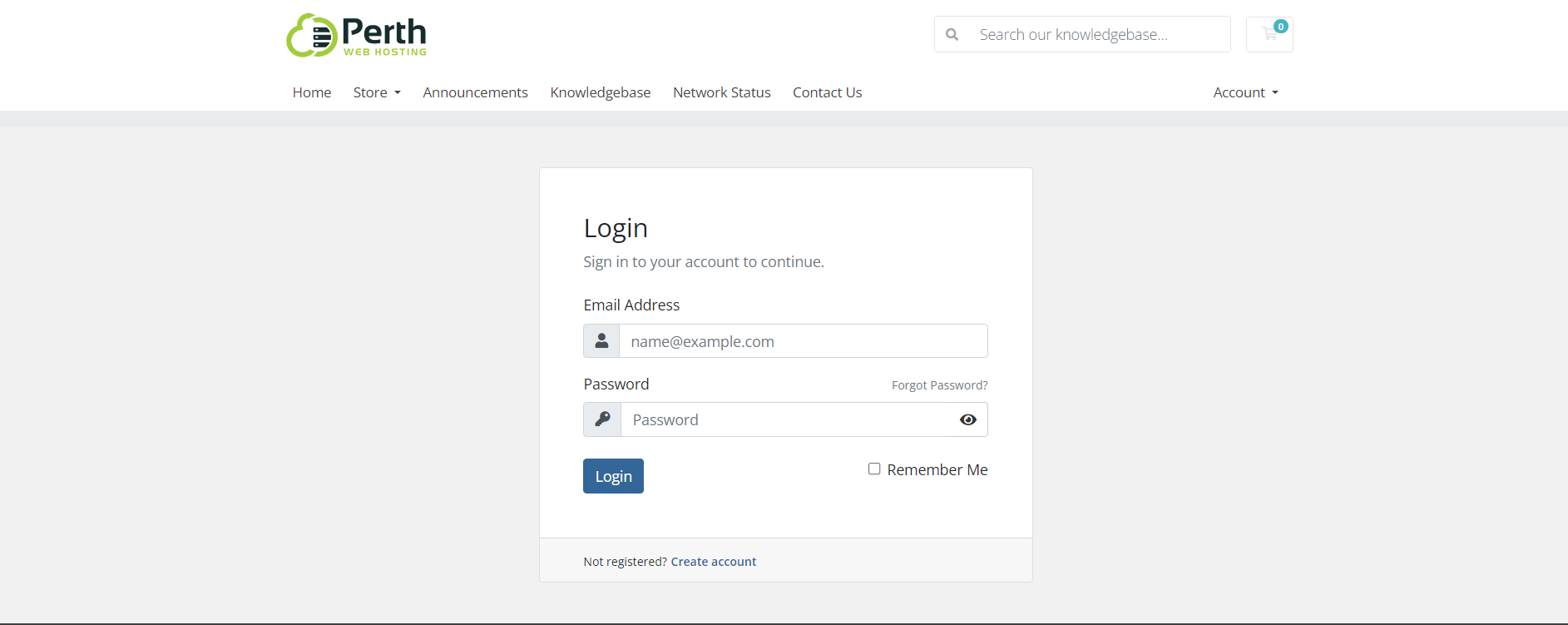
If you no longer have this email or you have changed your password since then, please select the Forgot Password option and a password reset link will be sent to your email address.

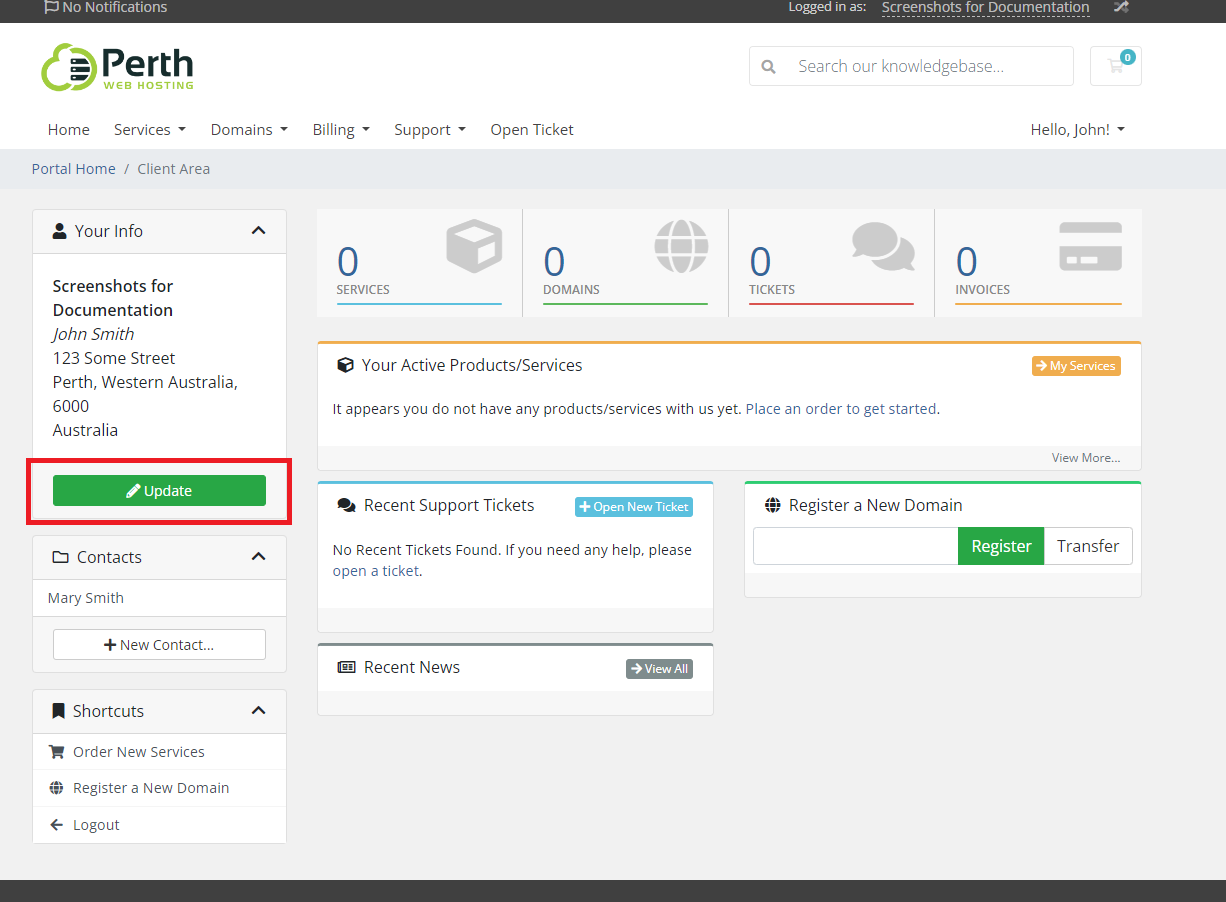
1. Once you have logged into your customer toolbox, select the Update button on the left hand menu
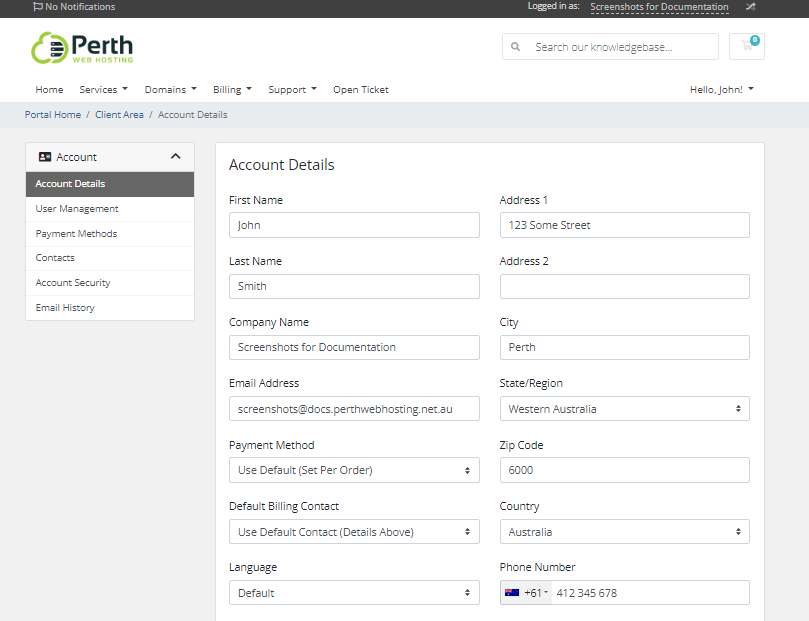
2. On this screen you can make changes to the details of your primary account, such as contact information, language or payment method.
Please Note
The primary account must have a valid and unique phone number and email address associated with it. We cannot use the same email address or phone number for more than one account or authorized contact.
3. If you scroll down further you can edit details such as email preferences, and notification preferences.
Important
Please ensure that at least one contact is set to receive email communications from us. Failure to do so may result in you missing important announcements as well as notifications about invoices.

If you would like to add an additional authorized contact to your account, please read this article: How to add an authorized contact.